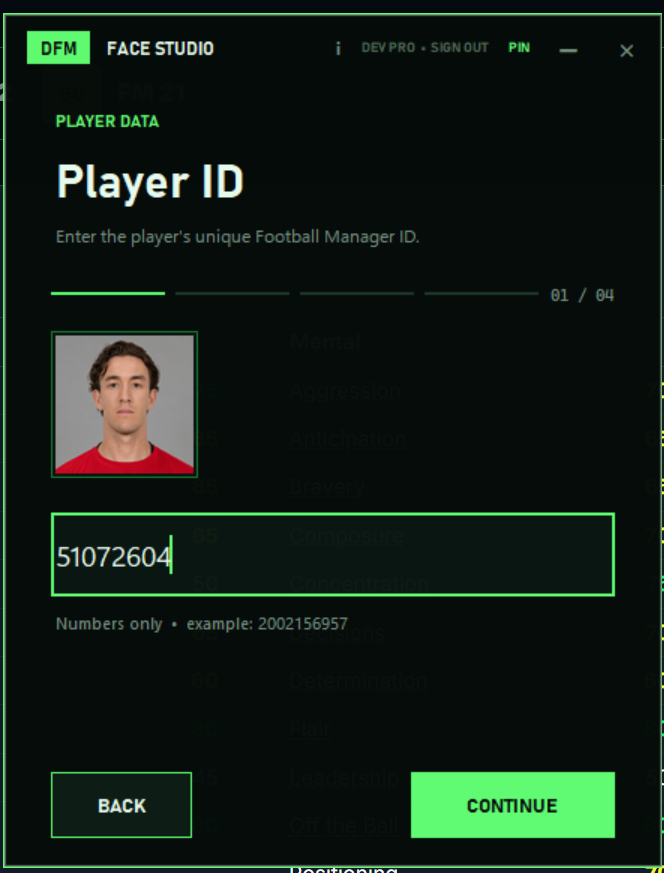
Choose a portrait and enter the ID
Upload a clear player photo and enter the player's unique Football Manager ID.
 DylanFMFaceStudio
BUILT FOR FOOTBALL MANAGER 26
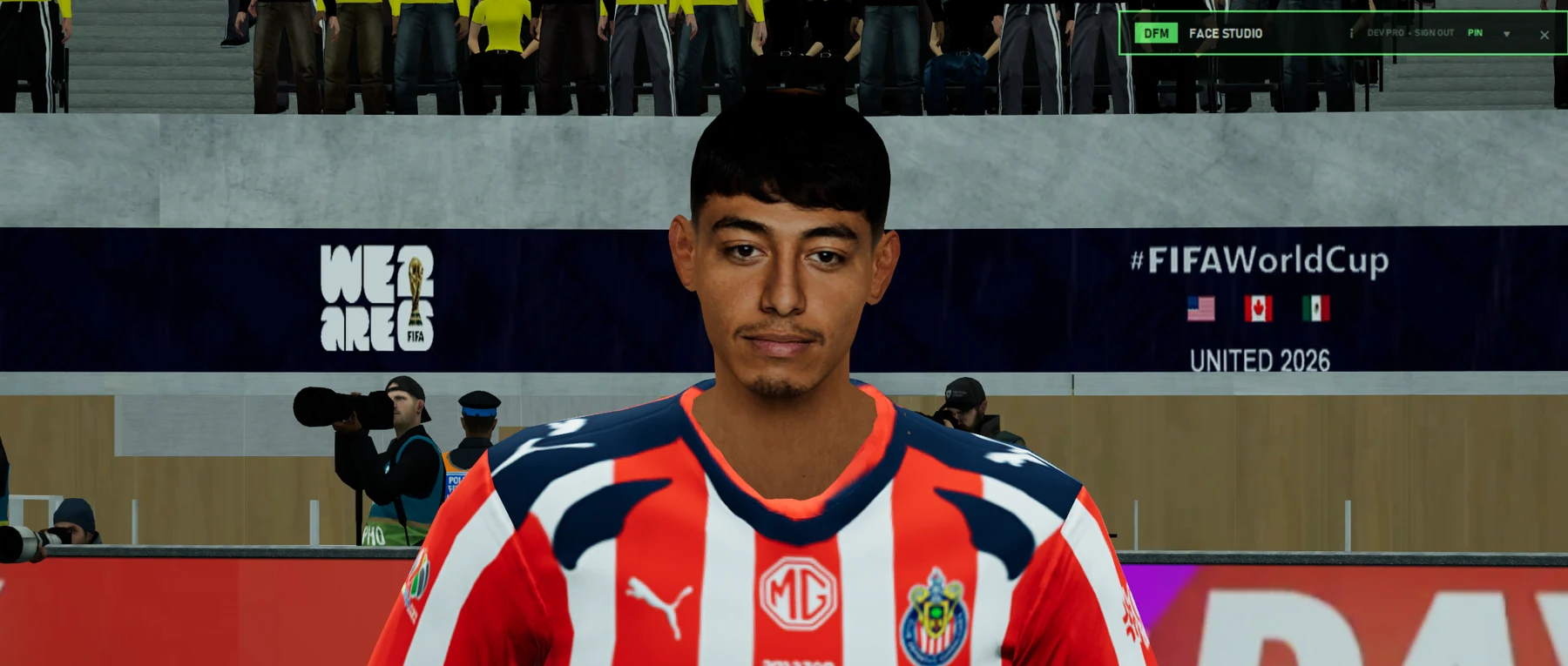
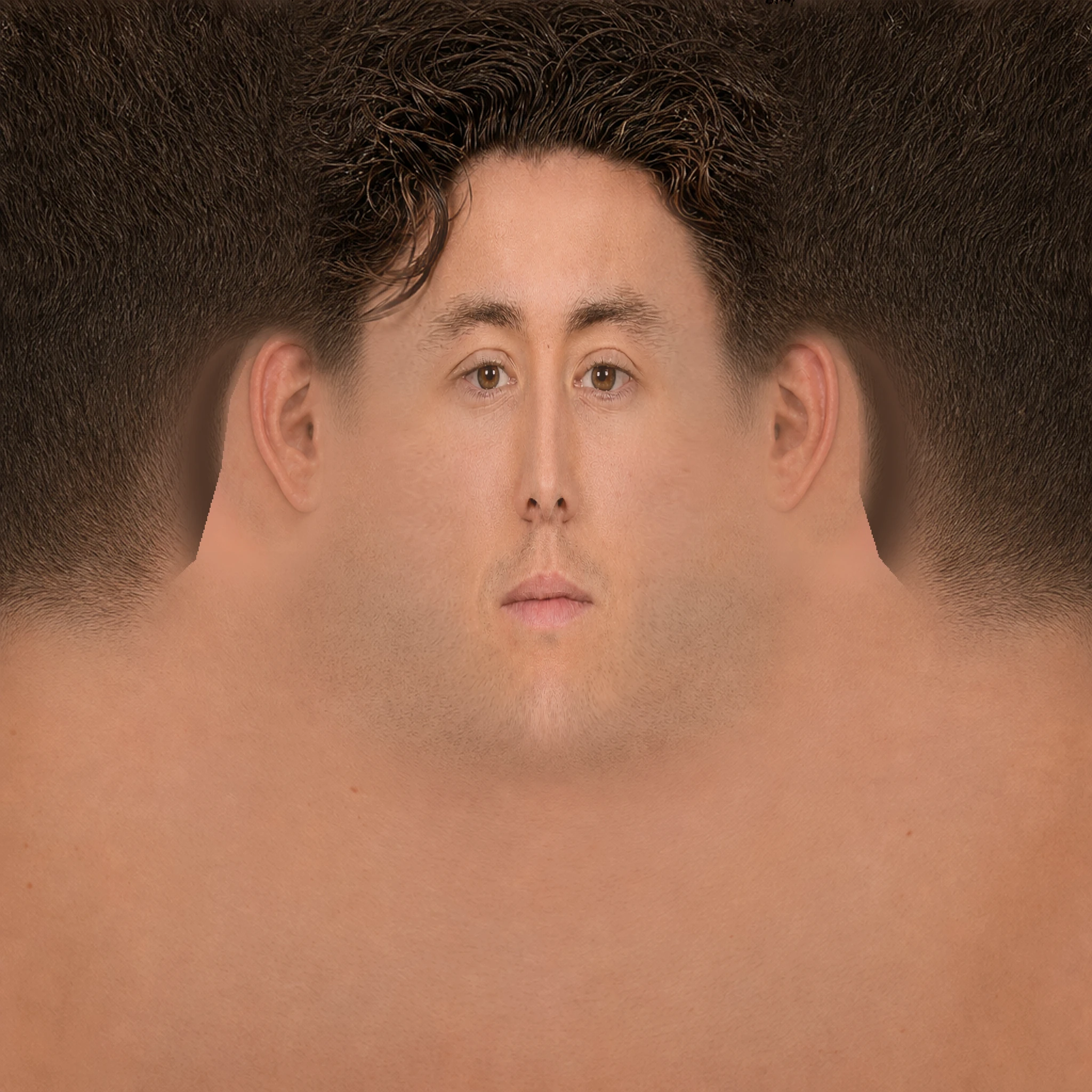
Turn a player portrait into a complete custom 4K face, mapped and ready for your Football Manager save.
IMPORTANT — THE CURRENT VERSION REQUIRES COMPATIBLE NVIDIA GRAPHICS.
FROM PHOTO TO 3D FACE
DFM / 01—04
Upload a clear player photo and enter the player's unique Football Manager ID.
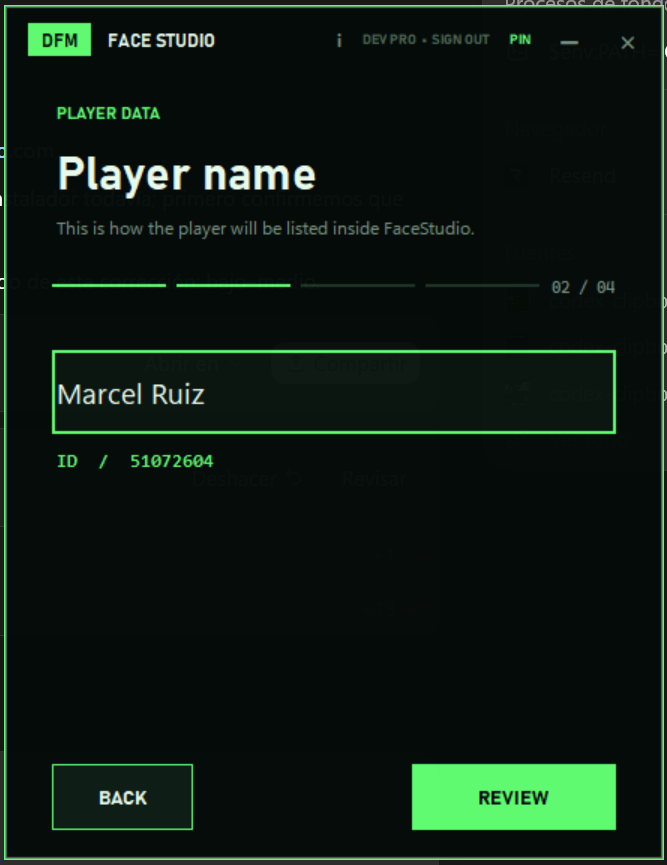
Add the name that will identify the player inside FaceStudio.
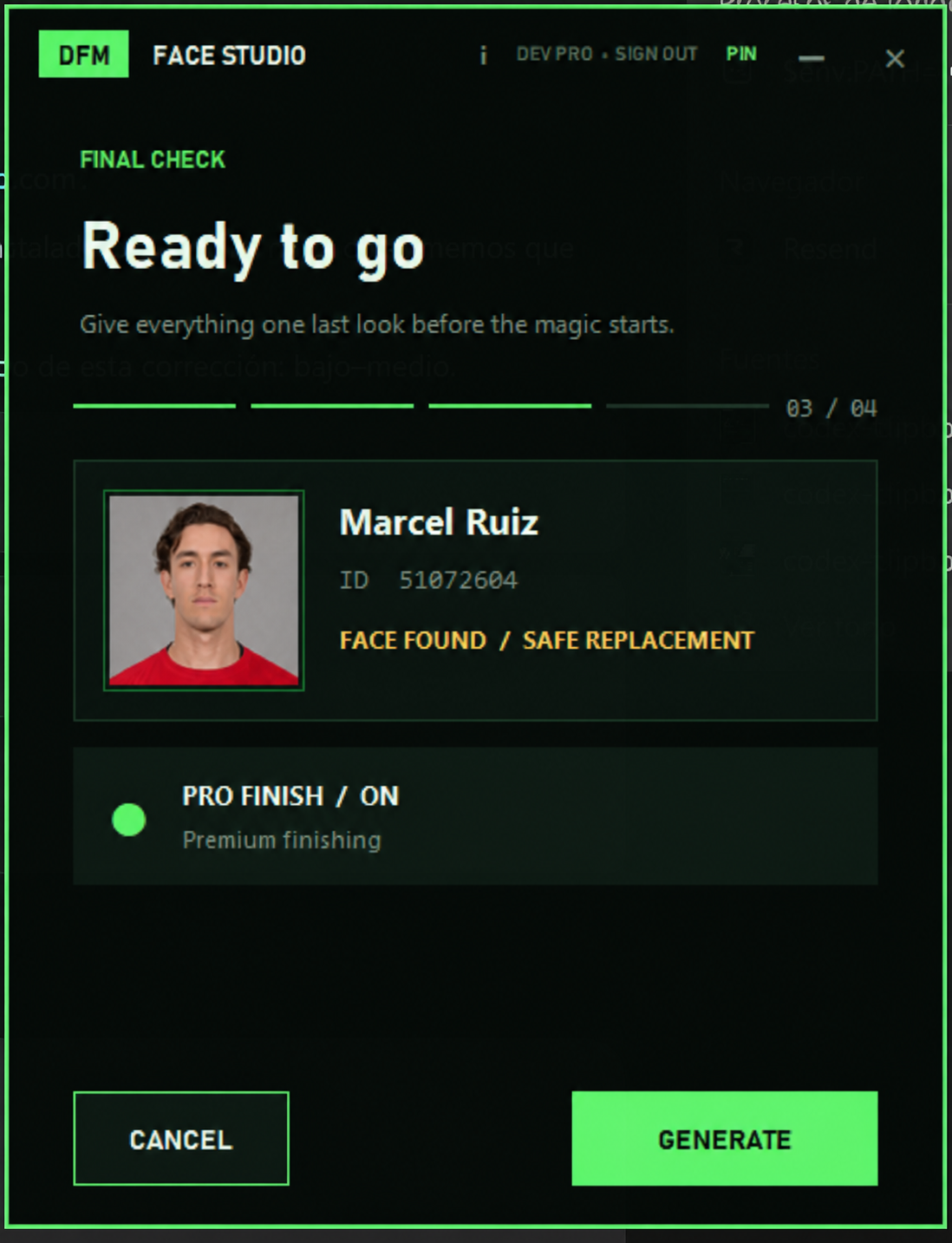
Confirm the portrait, name, ID and finish.
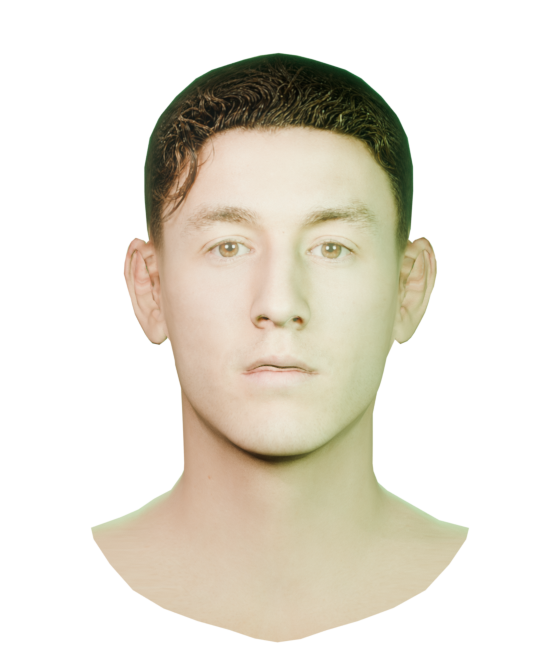
The 4K face is created, installed and ready after reloading FM.
THE DIFFERENCE IS IN THE FINISH
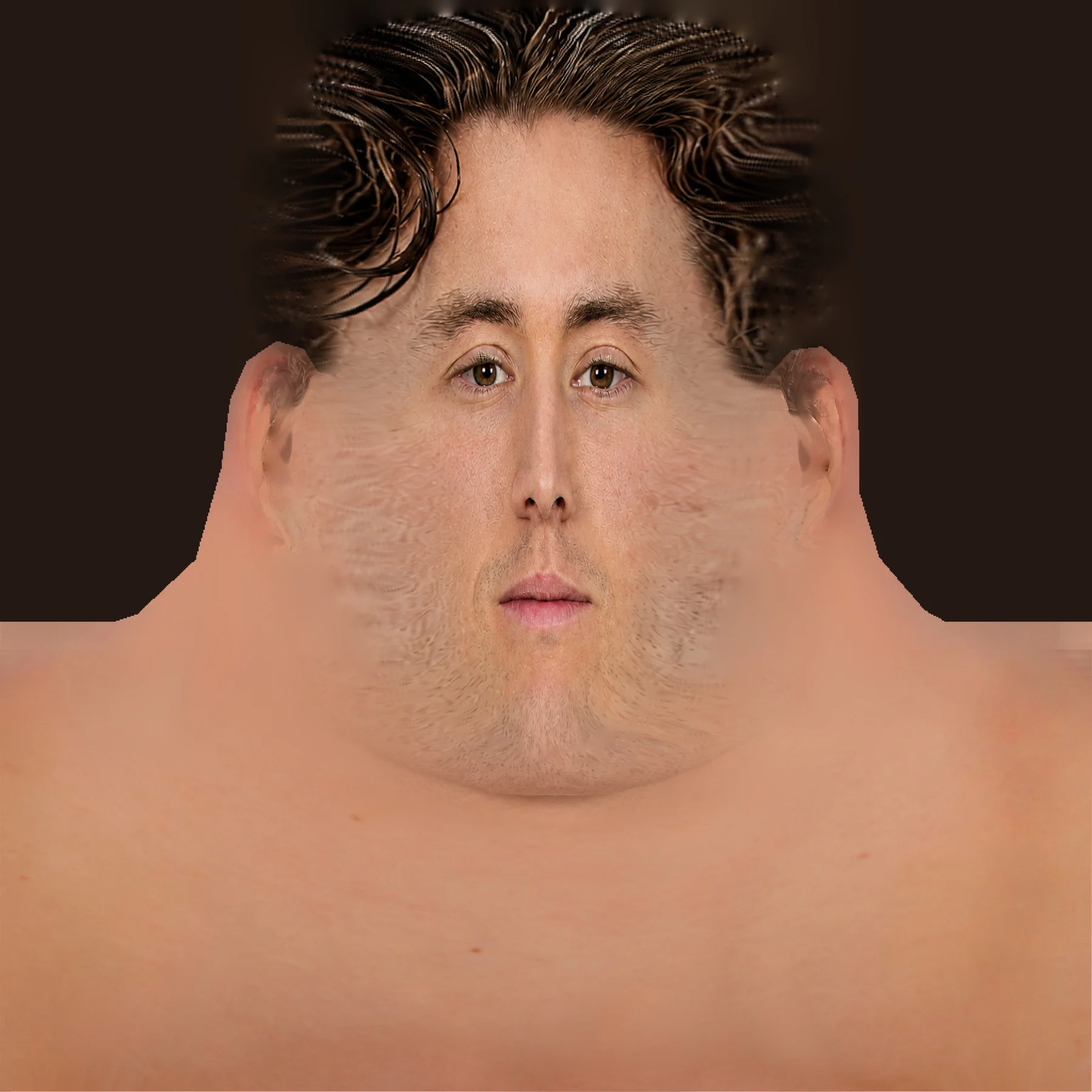
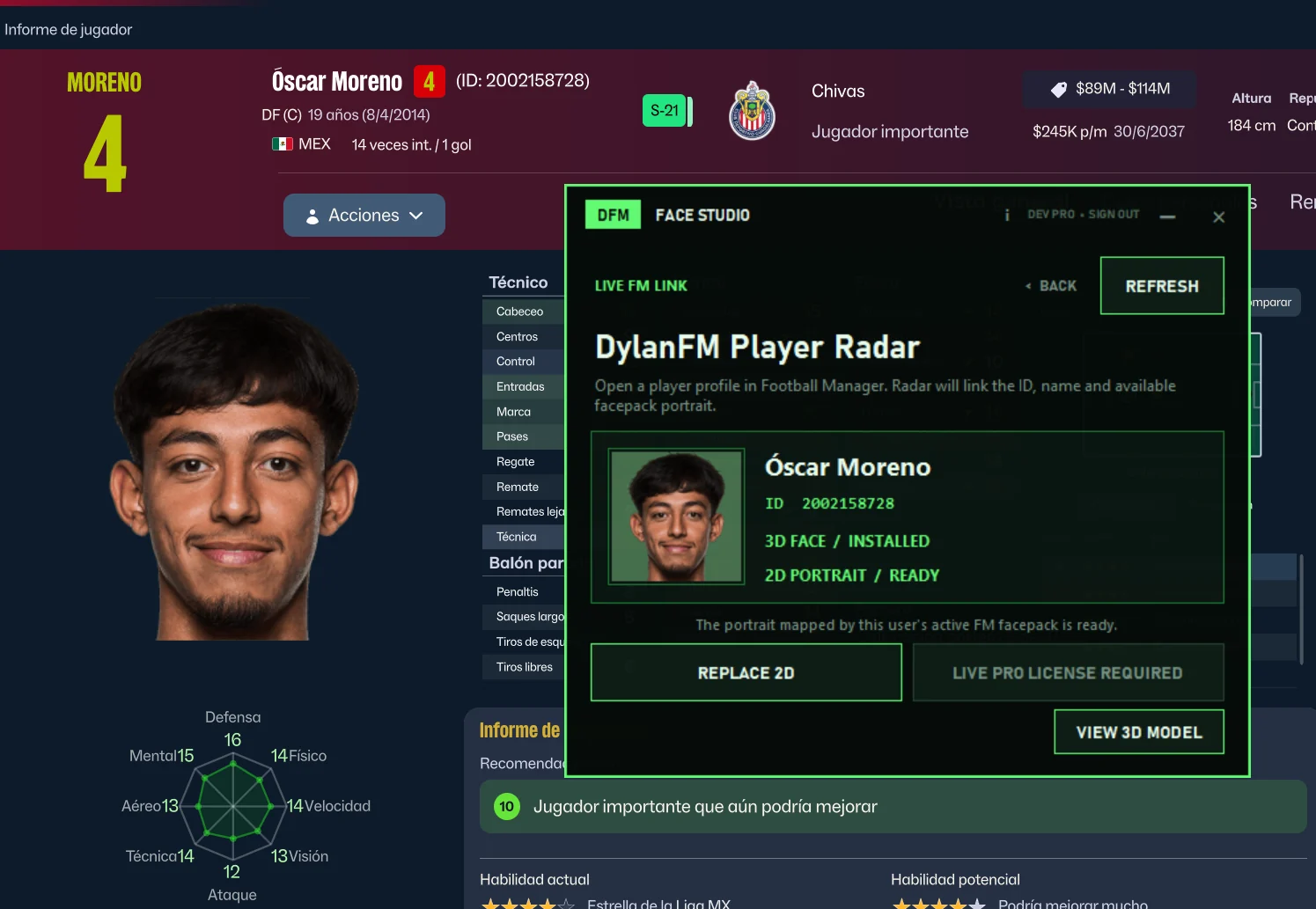
PLAYER RADAR · PRO
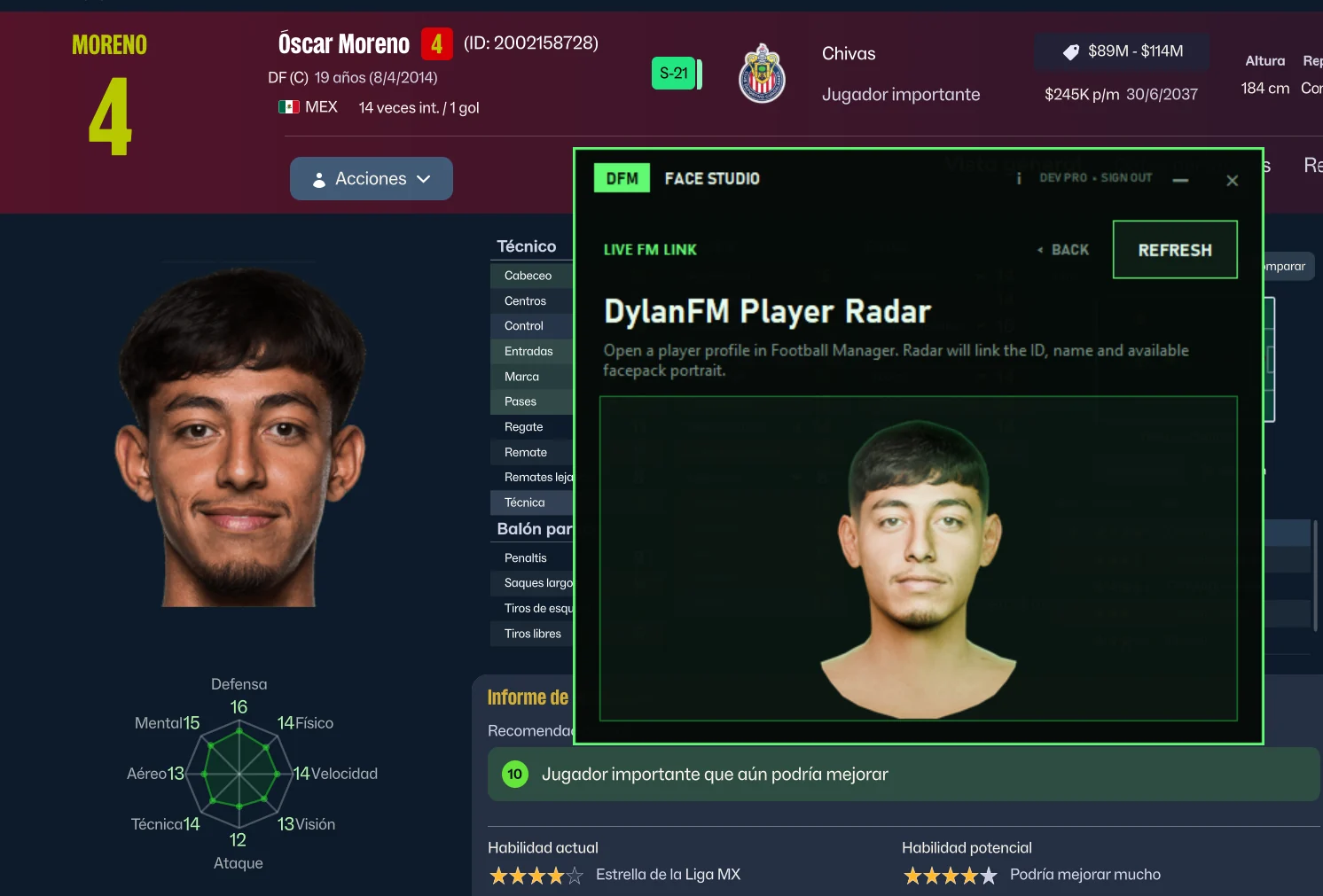
Player Radar links the current player ID, name, installed 3D face and available 2D portrait. Use portraits from compatible facepacks—including newgen packs—and turn that same identity into a custom 3D face.
FREE VS PRO
Cancel anytime
STRIPE
Checkout automatically shows a supported local currency before payment. Final currency and amount are confirmed by Stripe before you pay.
ONE MINUTE · REAL WORKFLOW
Watch a complete Player Radar workflow: import an assigned 2D miniface, generate its custom 3D face and get it ready for Football Manager.
WATCH THE DEMO ↗SYSTEM REQUIREMENTS
Windows 10 or 11 · 64-bit
Compatible NVIDIA graphics and current driver. Other graphics are not supported yet.
Football Manager 26
Hardware virtualization must be enabled in UEFI/BIOS.
OFFICIAL VIRTUALIZATION GUIDE ↗FaceStudio detects and prepares the components it needs.
COMMUNITY CREDITS
Huge thanks to FMConsole. FM Heads made this tool possible, and the project is shared with their permission.
Recommended: Joni9's Goal Celebration Cam adds camera angles that let you enjoy your generated faces up close.
STAY TUNED
New updates are already in development. Coming soon: create your own face and assign it directly to your Football Manager manager, plus hairstyles for generated 3D models.
FAQ
Yes. More hardware options are planned for future versions.
Not yet. A Mac version may come later when we have the right development hardware.
No. FaceStudio checks and prepares its required components. You only need FM26, 64-bit Windows and compatible NVIDIA graphics.
The installer is about 70 MB, downloads about 4.9 GB during setup and uses approximately 12 GB after installation. We recommend at least 15 GB free. This lets FaceStudio include the complete local 4K processing resources instead of making you install separate tools.
FaceStudio uses an isolated Windows processing environment so generation stays consistent on supported PCs. Setup checks this only after the downloads are safely stored. If virtualization is disabled, it explains the issue and can restart toward UEFI/BIOS; your PC manufacturer controls the final setting.
Yes. Setup checks Windows support and hardware virtualization automatically. It preserves verified downloads, so enabling the BIOS setting does not force a second 4.9 GB download.
It depends on your PC. On the development laptop—RTX A1000, 12th-gen i7 and 32 GB RAM—a face usually takes about 1–2 minutes.
Use the private support form inside FaceStudio or contact DylanFM through the social links below.
FOUND A BUG?
The app includes a private bug and suggestion form with optional contact email and up to three screenshots. Reports reach the project directly without exposing any private address.
WINDOWS · NVIDIA REQUIRED
69.9 MB INSTALLER · 4.9 GB SETUP DOWNLOAD · APPROX. 12 GB INSTALLED